A clearer inbox starts here
Review first.
Clean with control.
Review your conversations, filter messages by date or keyword, and delete the items you choose. Only your copy is removed; other participants may keep theirs.

Available for iPhone and iPad
 Scan to download
1 coin per message · 50 coins per conversation. Optional coin packs are available in the app. Processing speed depends on X rate limits.
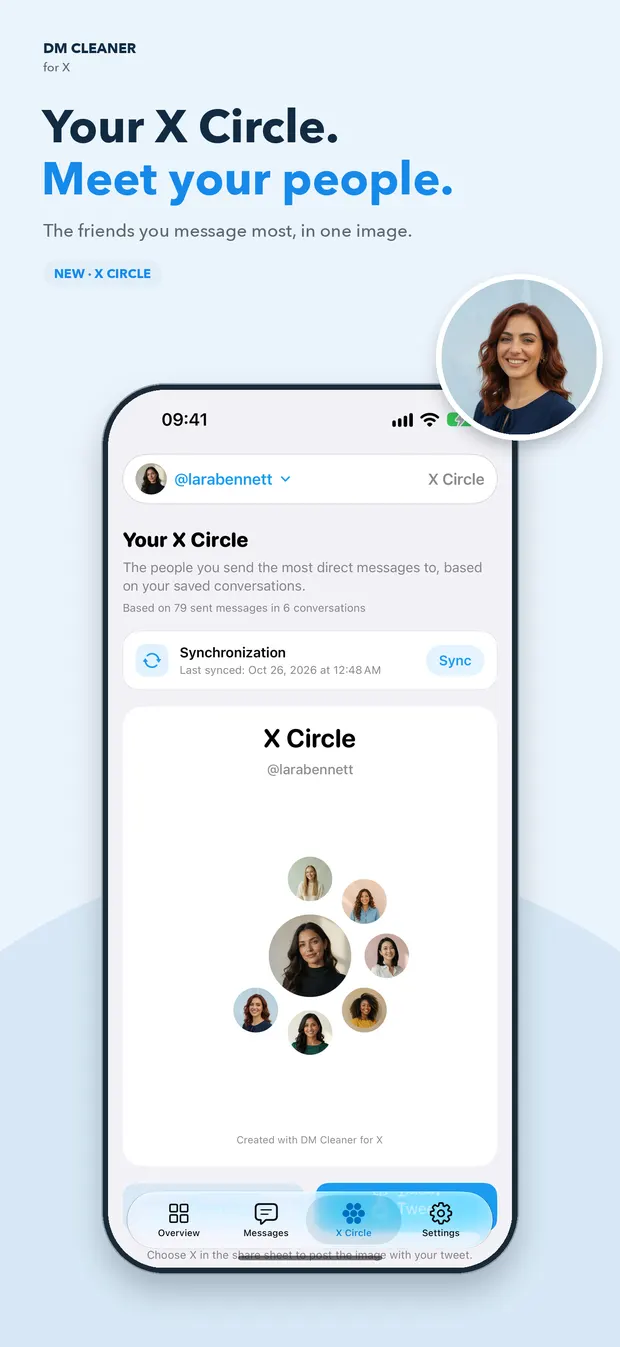
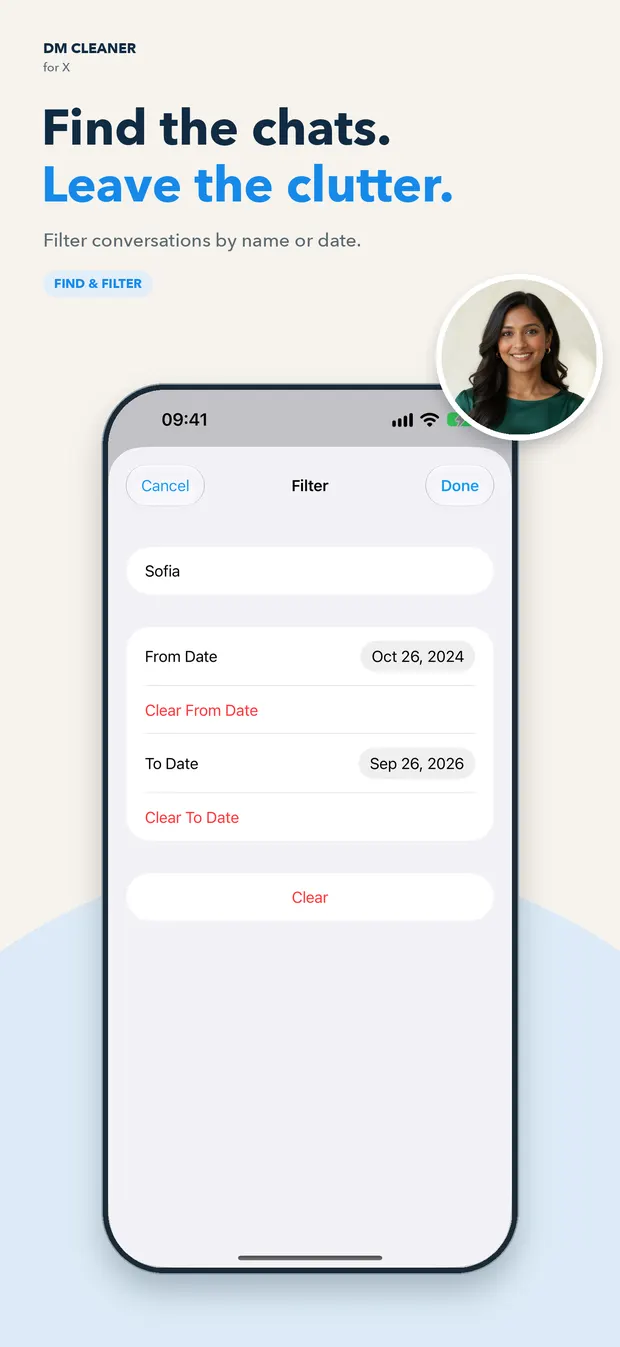
Find
Open an X account and review available conversations. Narrow your message list by date or keyword.

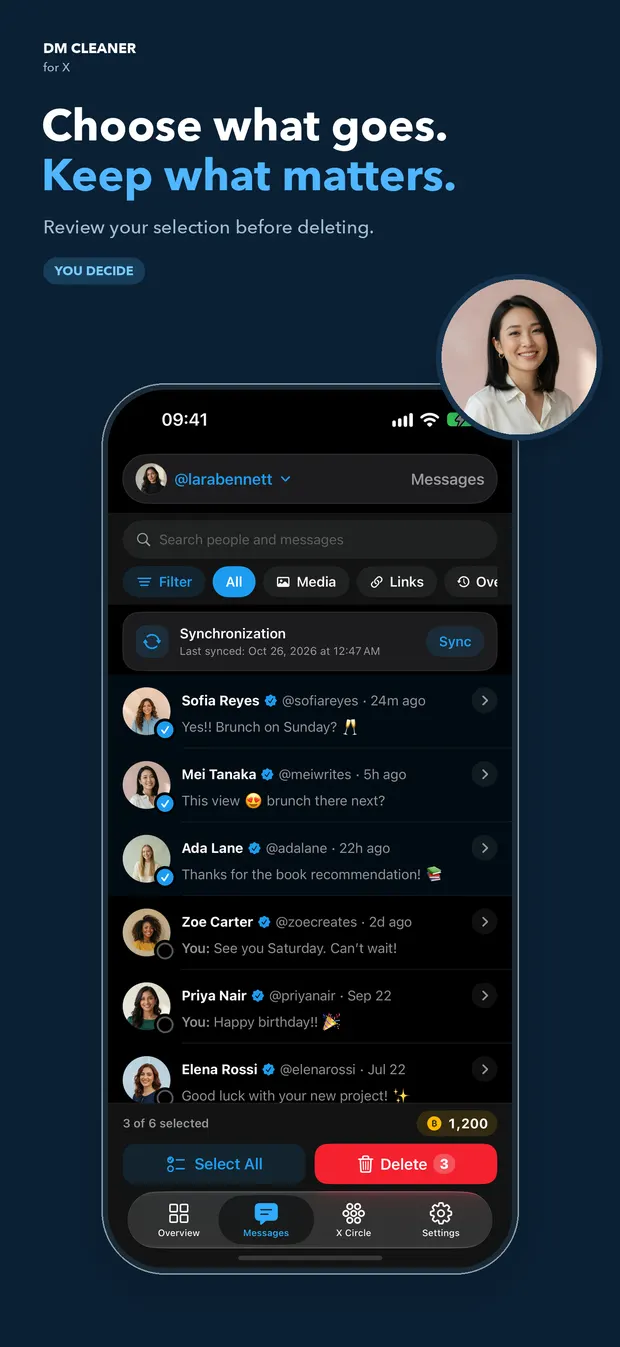
Review
Select individual messages or whole conversations. Check your selection before confirming deletion.
Clean
Only confirmed deletions count. Items that could not be confirmed stay selected so you can review the result.
You decide when to continue
Your accounts. Your selection.
Manage multiple accounts and keep the app open while deleting. If X asks you to wait, follow the wait shown in the app. When you return to an unfinished selection, you choose when to continue.
Guides
- How to delete DMs in bulk on iPhoneDelete many X direct messages at once on iPhone: filter by sent or received, media, links, date or keyword, and remove messages or whole conversations.
- How to delete direct messages on XDelete a single X direct message or a whole conversation, what the other person still sees, and how to clear DMs in bulk on iPhone.
- Does deleting a DM on X remove it completely?What disappears when you delete a direct message on X, and what can remain: the other person's copy, screenshots, notifications, your X archive and X's own records.
- Can you delete a DM for both sides on X?When you delete a direct message on X, does the other person still see it? What deleting does in classic X DMs, what newer chats may offer, and what to do instead.